Product concepts
Turn a product idea into a visual direction.

Describe your idea and create a new image with Nano Banana Pro.
Start creatingCredits per image: 30 · The total depends on the selected model and number of outputs. Check the generator before creating.
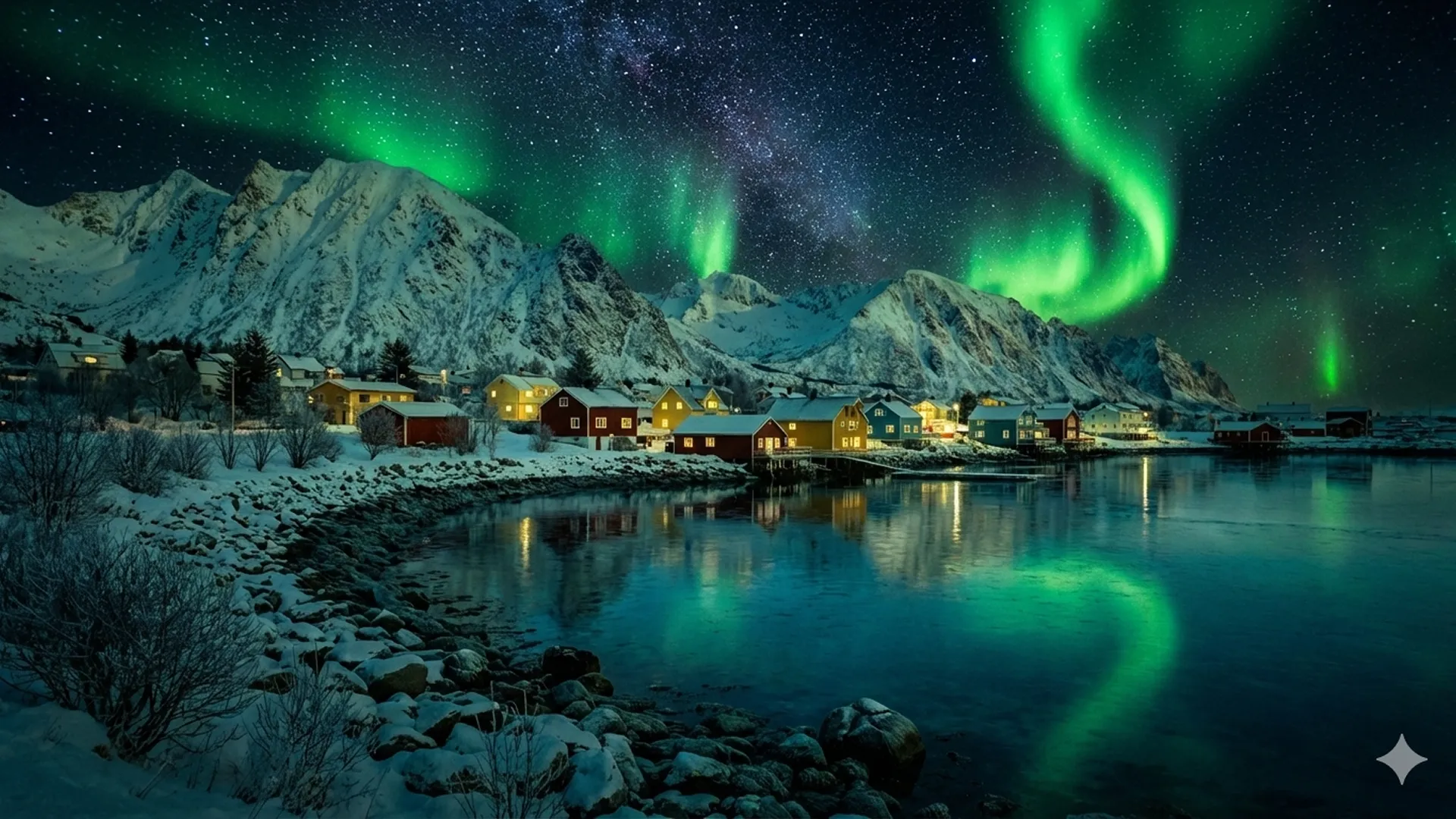
The prompt to generate the image with AI
Choose whether your generated images are public or private.
Upgrade to premium to access private images.
You need 30 credits to generate images.
Get 10 free credits when you sign up
New accounts receive 10 credits — enough for one standard Nano Banana image. Pro models and larger batches require more credits.
Example Gallery

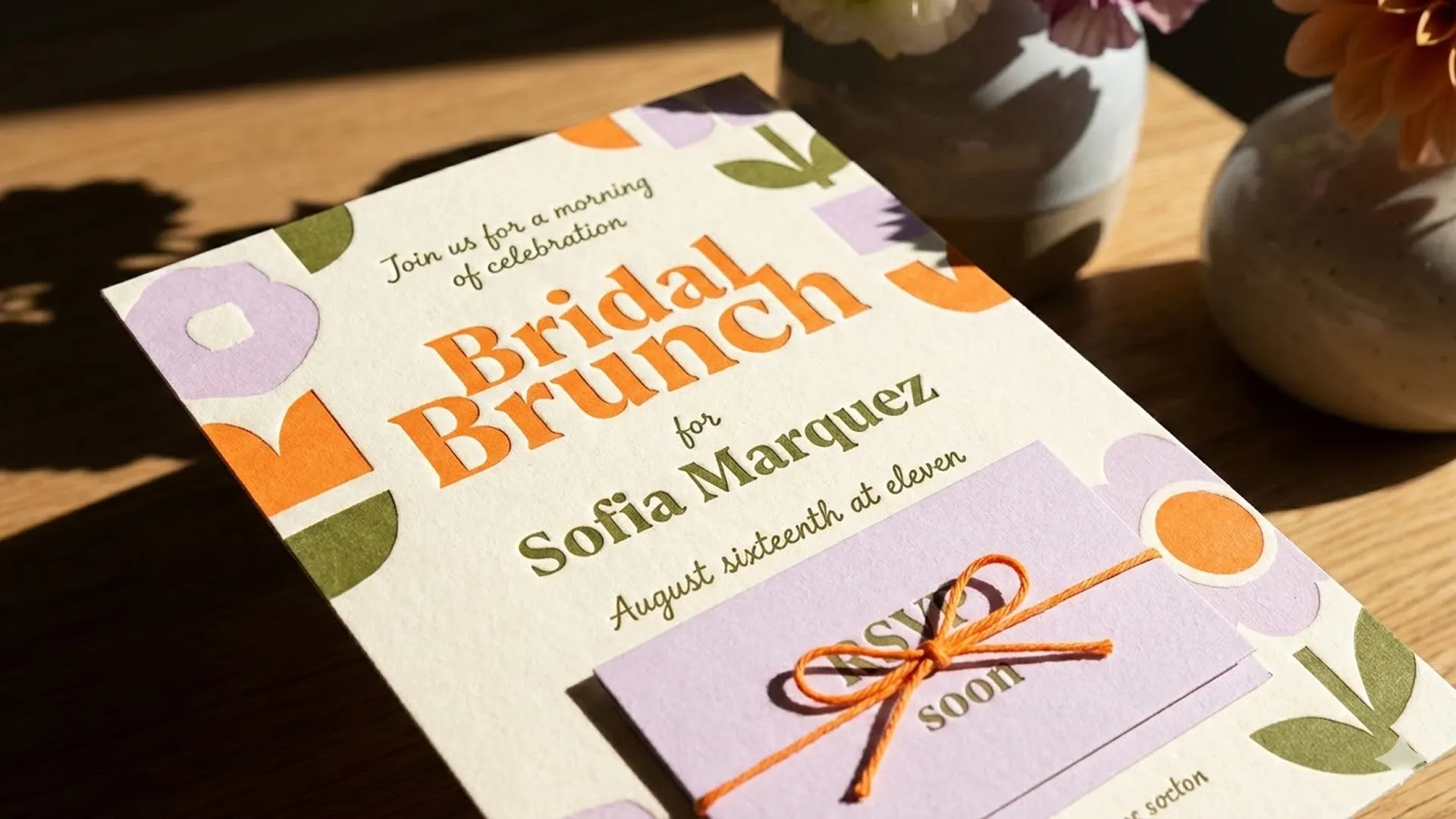

1 / 4
Watch amazing image creations from the global community.

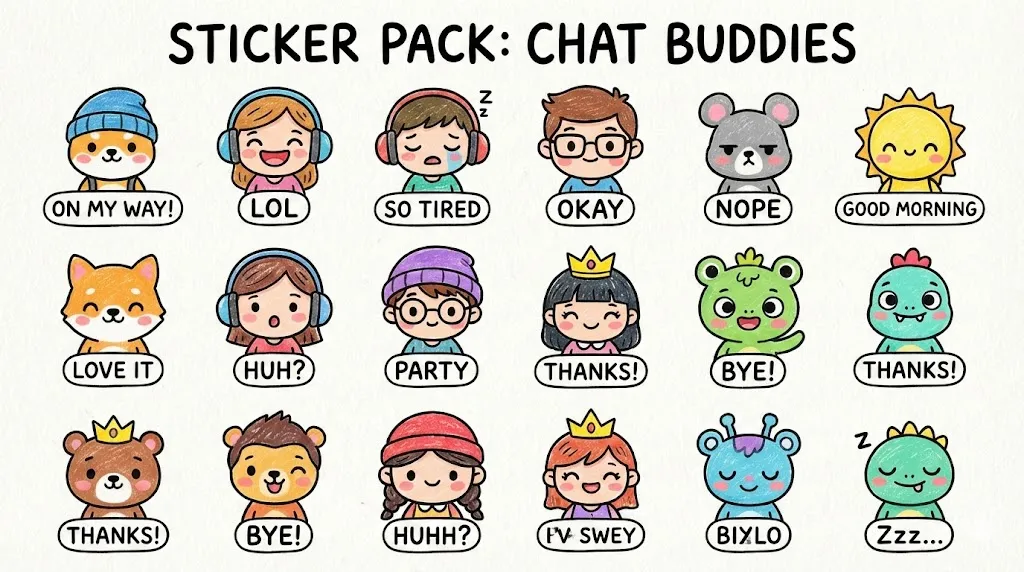

Turn a product idea into a visual direction.
Explore layouts and imagery for a campaign.
Describe a scene and experiment with composition.
Examples from our gallery. Results vary by model and prompt.
Describe your idea and create a new image with Nano Banana Pro.
Describe your image in the prompt.
Try a prompt
“A ceramic cup on a wooden table, soft morning light, editorial product photography.”
Choose your settings and generate.
Review and download the result.
The total depends on the selected model and number of outputs. Check the generator before creating.
Standard costs fewer credits; Pro uses more credits. Compare results for your own task to find the right fit.
Credits per image →Credits per image: 30. The total depends on the selected model and number of outputs. Check the generator before creating.
Standard costs fewer credits; Pro uses more credits. Compare results for your own task to find the right fit.
Yes. Select Image Editing in the generator, upload an image, and describe your changes.
The upload control lists supported formats and size requirements. Select Image Editing to upload a reference image.
Usage rights depend on your plan and the applicable terms. Review the plan details and terms before commercial use.
View terms →