Refresh a background
Try a different setting for an existing subject.

Upload an image and describe the changes you want to make.
Start creatingCredits per image: 10 · The total depends on the selected model and number of outputs. Check the generator before creating.
Drop images or click to upload
JPG, PNG, WebP, GIF · Min. 256×256px
The prompt to generate the image with AI
Choose whether your generated images are public or private.
Upgrade to premium to access private images.
You need 10 credits to generate images.
Get 10 free credits when you sign up
New accounts receive 10 credits — enough for one standard Nano Banana image. Pro models and larger batches require more credits.
Slide the handle to see the difference
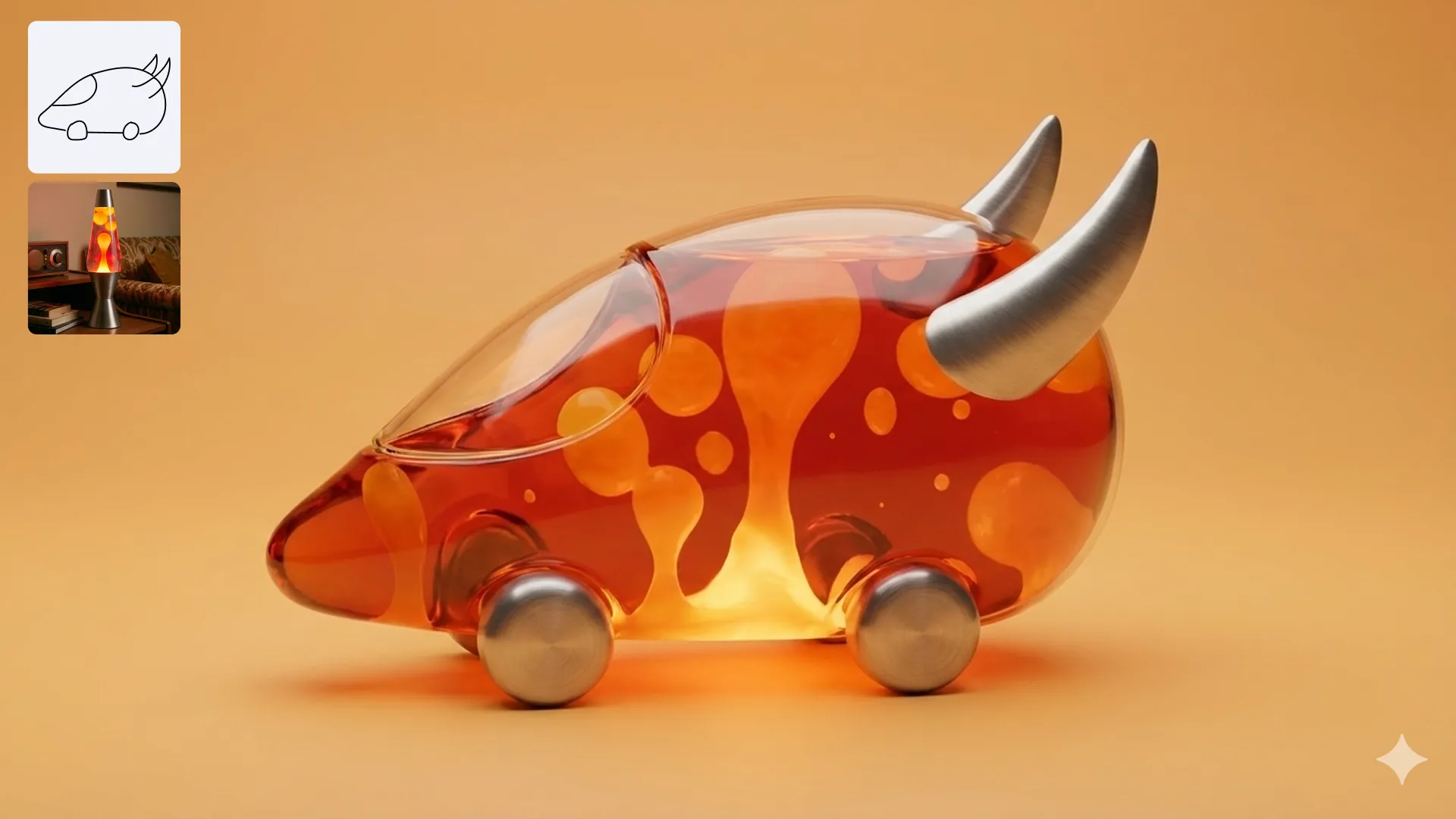
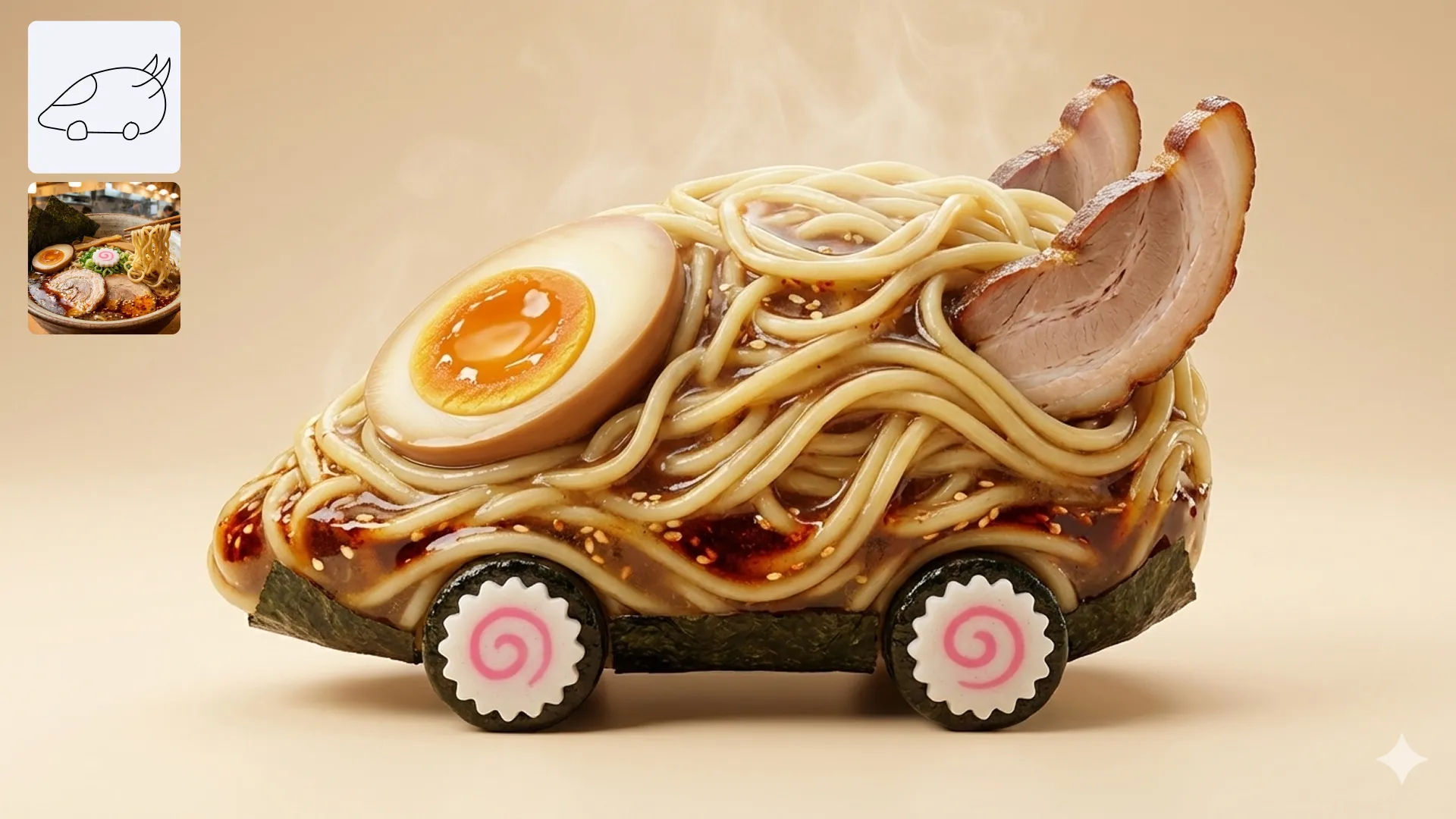
Default Example - Prompt: combine them into one image
Try a different setting for an existing subject.
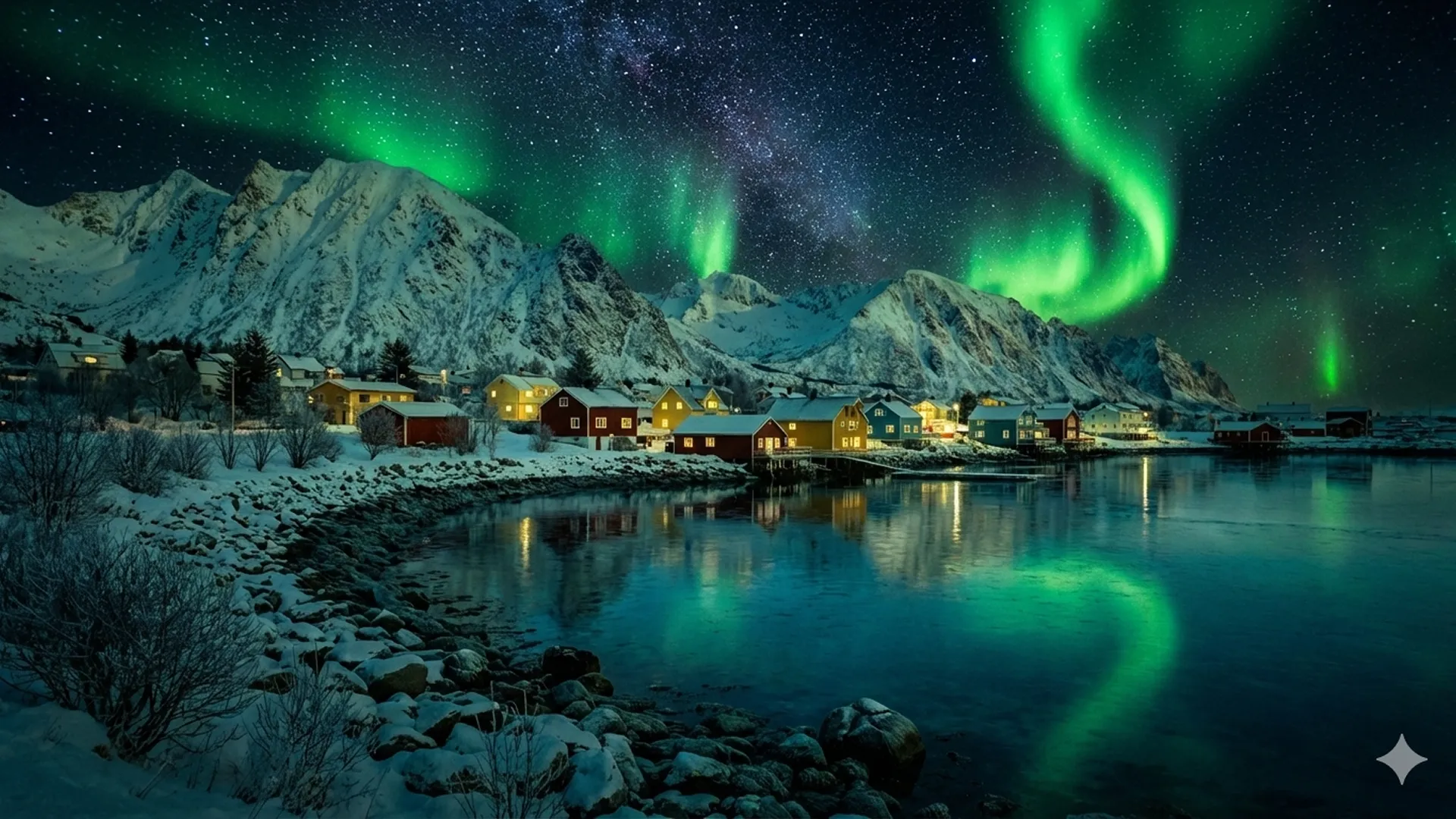
Describe changes to an image you already have.
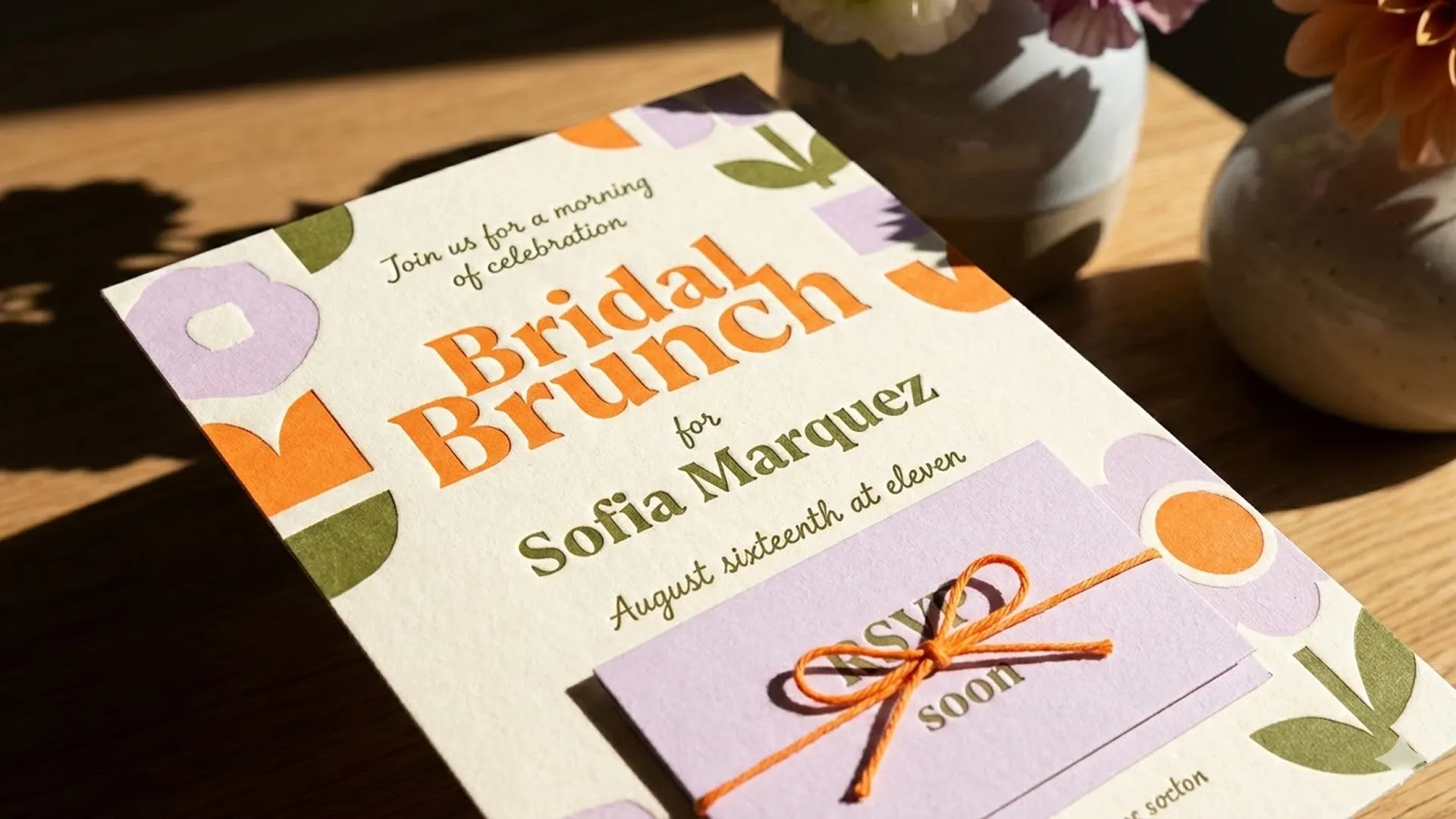
Explore a new look while using an image as a starting point.
Examples from our gallery. Results vary by model and prompt.
Upload an image and describe the changes you want to make.
Upload the image you want to edit.
Try a prompt
“Replace the background with a bright studio setting while keeping the subject.”
Describe your changes and generate.
Review and download the result.
The total depends on the selected model and number of outputs. Check the generator before creating.
Standard costs fewer credits; Pro uses more credits. Compare results for your own task to find the right fit.
Credits per image →Credits per image: 10. The total depends on the selected model and number of outputs. Check the generator before creating.
Standard costs fewer credits; Pro uses more credits. Compare results for your own task to find the right fit.
Yes. Select Image Editing in the generator, upload an image, and describe your changes.
The upload control lists supported formats and size requirements. Select Image Editing to upload a reference image.
Usage rights depend on your plan and the applicable terms. Review the plan details and terms before commercial use.
View terms →