Refresh a background
Try a different setting for an existing subject.

Upload an image and describe the changes you want to make.
Start creatingCredits per image: 10 · The total depends on the selected model and number of outputs. Check the generator before creating.
Drop images or click to upload
JPG, PNG, WebP, GIF · Min. 256×256px
用于產生图像的提示词
选择產生的图像是公开还是私有。
升级到高级版以使用私有图像功能。
產生图像需要 10 點數。
新用戶註冊即送 10 點數
建立帳戶即可獲贈 10 點數,可體驗 1 張標準版 Nano Banana 圖像。Pro 模型及多圖生成需要更多點數。
滑动把手檢視差异
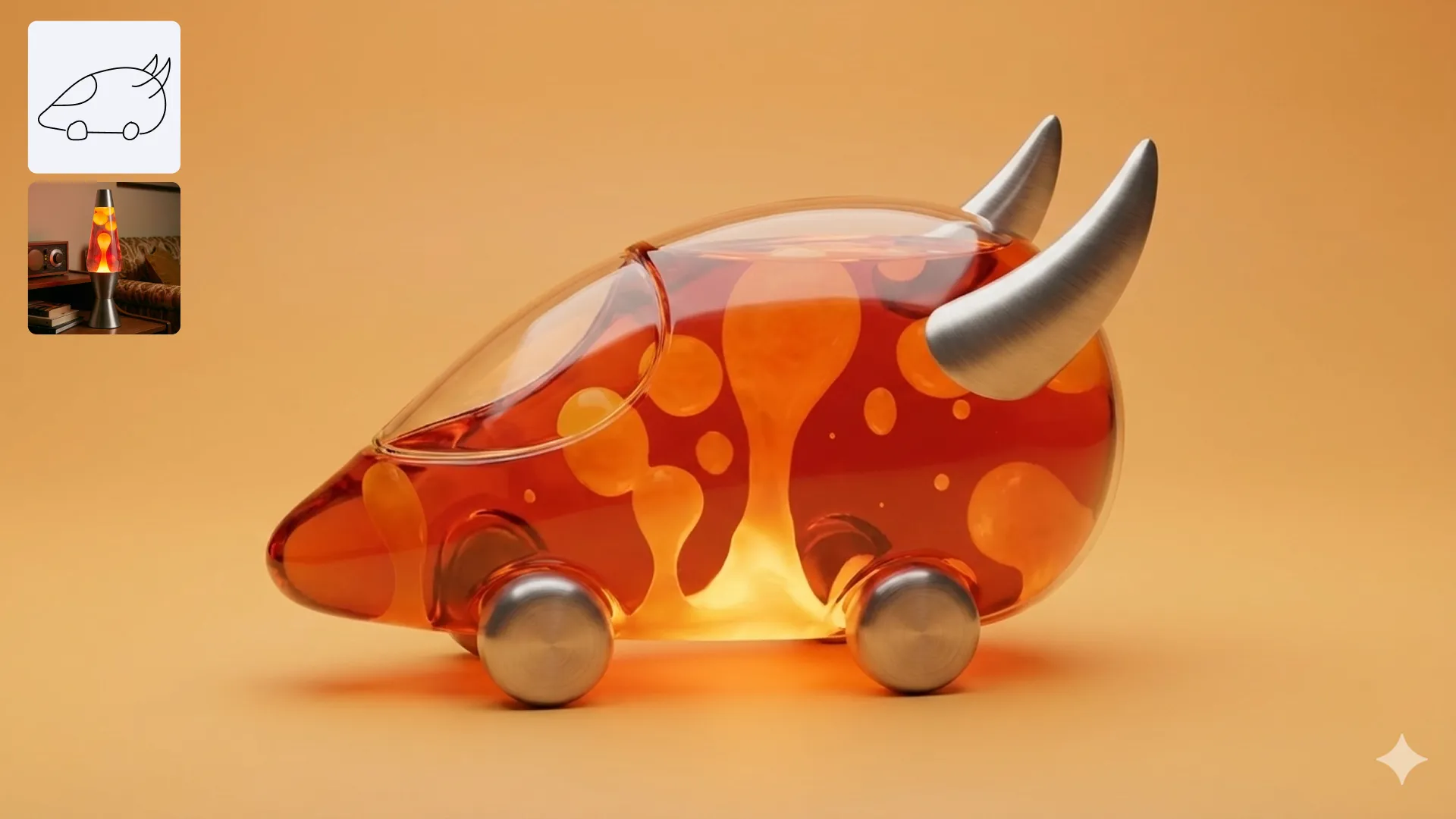
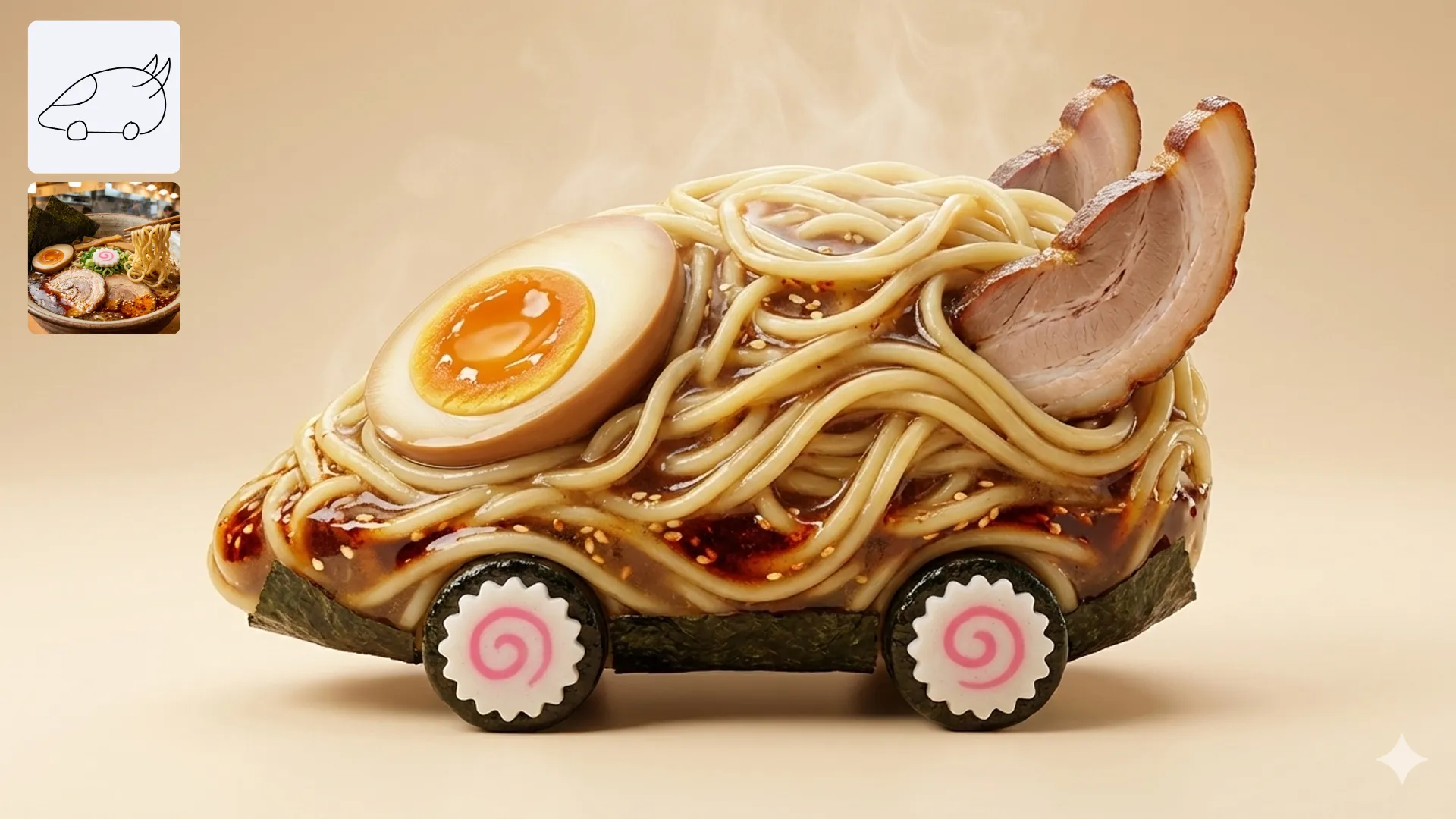
默认示例 - 提示词:将它们合并到一张图像中
Try a different setting for an existing subject.
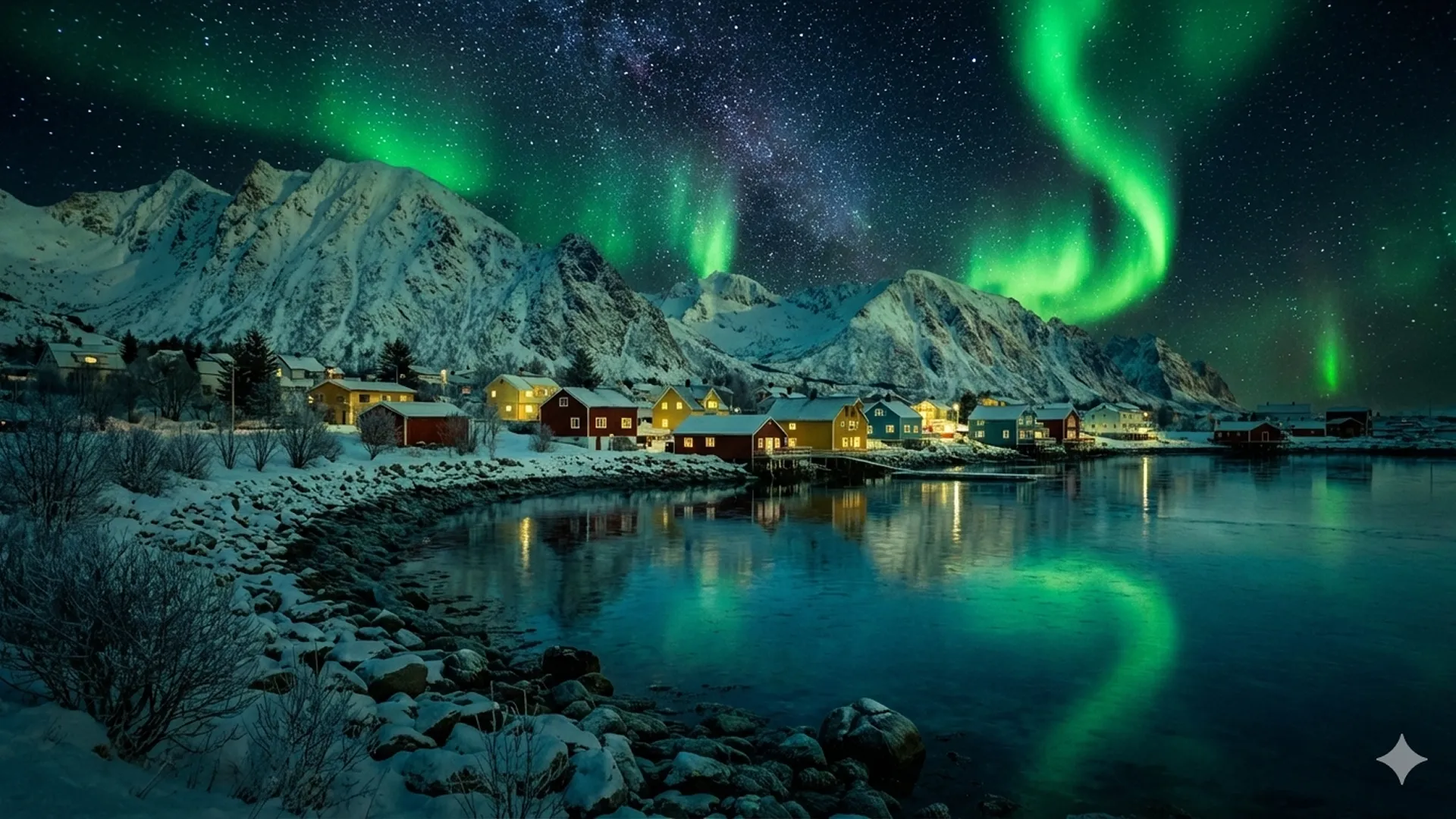
Describe changes to an image you already have.
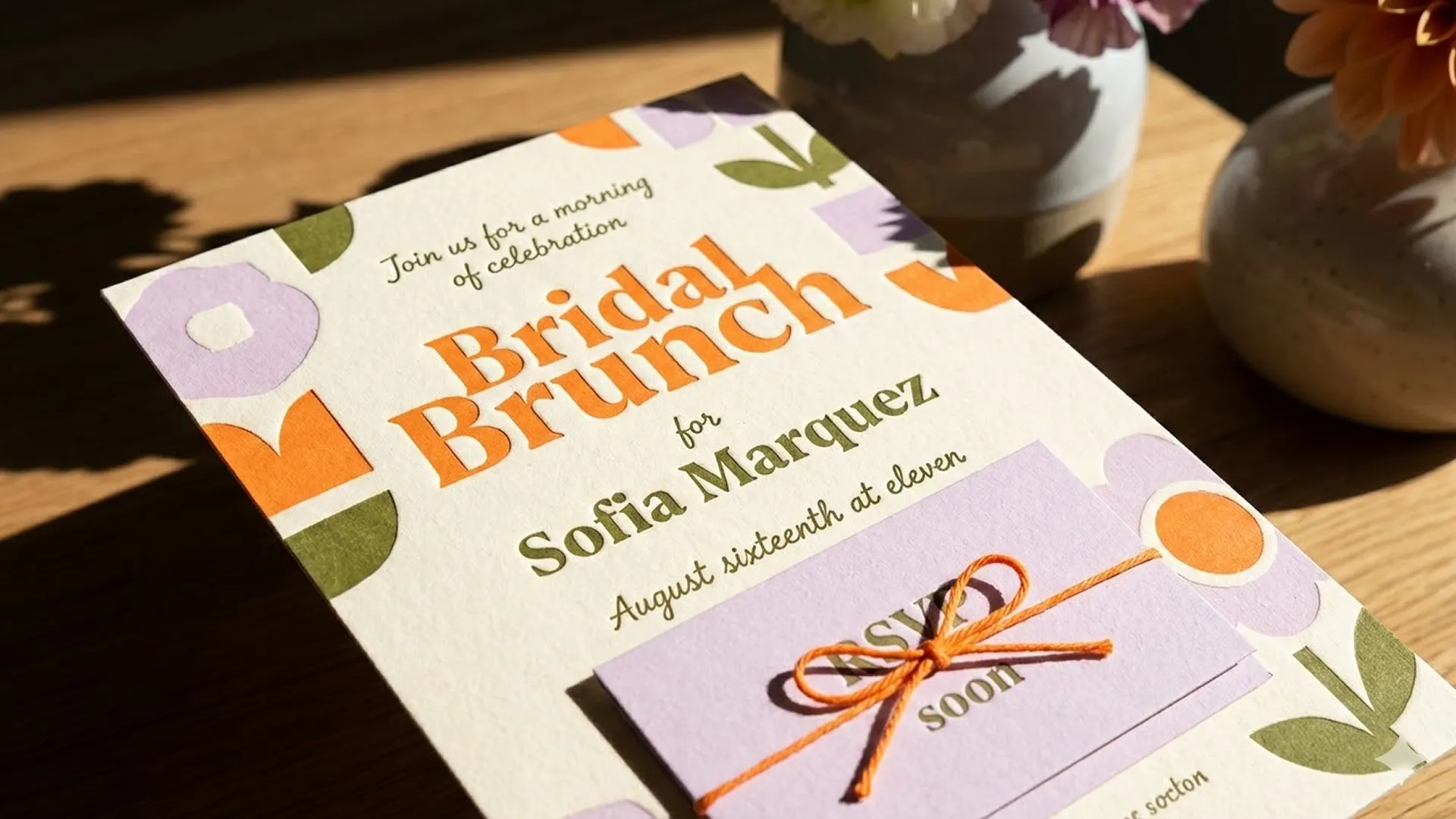
Explore a new look while using an image as a starting point.
Examples from our gallery. Results vary by model and prompt.
Upload an image and describe the changes you want to make.
Upload the image you want to edit.
Try a prompt
“Replace the background with a bright studio setting while keeping the subject.”
Describe your changes and generate.
Review and download the result.
The total depends on the selected model and number of outputs. Check the generator before creating.
Standard costs fewer credits; Pro uses more credits. Compare results for your own task to find the right fit.
Credits per image →Credits per image: 10. The total depends on the selected model and number of outputs. Check the generator before creating.
Standard costs fewer credits; Pro uses more credits. Compare results for your own task to find the right fit.
Yes. Select Image Editing in the generator, upload an image, and describe your changes.
The upload control lists supported formats and size requirements. Select Image Editing to upload a reference image.
Usage rights depend on your plan and the applicable terms. Review the plan details and terms before commercial use.
View terms →